What is a Log profile (S-Log, C-Log)?
A Log profile is a special gamma curve that redistributes how the sensor’s dynamic range is recorded in video. It produces flat, desaturated footage that looks washed out from the camera — but preserves maximum highlight and shadow detail for color grading in post-production.
Why Log footage looks flat
Standard video profiles (like Rec.709) apply contrast and saturation in-camera to make footage look good immediately. But this bakes in creative decisions and throws away tonal information in shadows and highlights.
Log profiles take the sensor’s full dynamic range and compress it into a flat, even distribution. Shadows are lifted, highlights are pulled down, and colors are desaturated.
This gives colorists maximum flexibility — you can push the image in any creative direction during editing without banding, noise, or clipped highlights.
Common Log profiles by brand
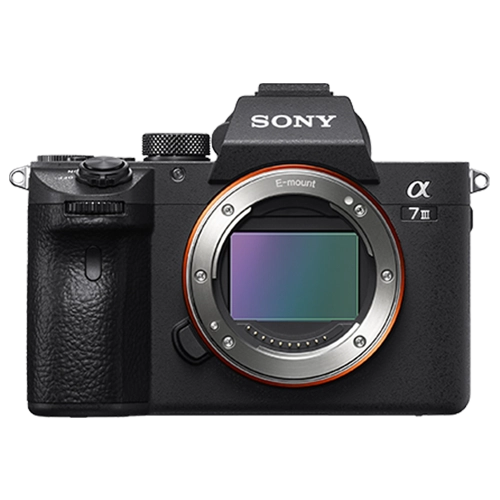
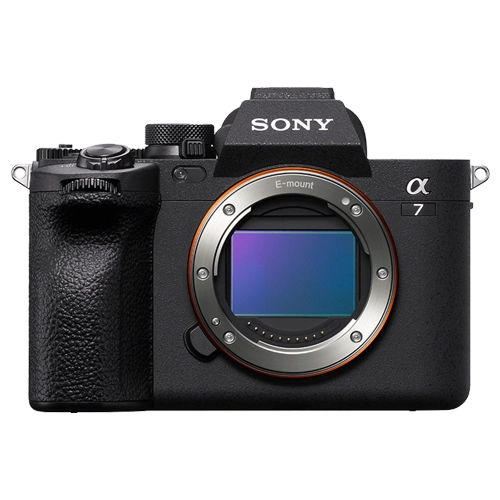
Sony S-Log2 / S-Log3: S-Log3 is the most popular, offering up to 15 stops of dynamic range. Used in A7 series and Cinema Line cameras.
Canon C-Log / C-Log3: C-Log3 offers wider dynamic range. Used in Cinema EOS and EOS R series.
Nikon N-Log: Nikon’s Log profile for Z series cameras.
Panasonic V-Log: Based on the Cineon film curve, used in GH and S series cameras.
Each brand’s Log responds differently to grading — learn your camera’s specific behavior.
Log-capable cameras at Camera Shop Egypt
Should you shoot Log?
Shoot Log only if you plan to color grade. Ungraded Log footage looks terrible — flat, gray, and unusable without post-processing.
Log requires 10-bit recording to work well. Shooting Log in 8-bit produces banding and defeats the purpose.
If you upload straight to social media with no editing, use a standard picture profile instead — the image will look better immediately.
If you are new to Log, start with your camera manufacturer’s LUT to convert Log back to Rec.709 as a starting point, then adjust from there. Never try to grade Log footage by eye without a reference LUT.
Gear that does this
Available in Egypt and suited to what this guide covers.