How to sync audio from a wireless mic with video in post?
When recording audio on a separate device (wireless mic with onboard recording, external recorder, or smartphone), the audio and video files are separate and need to be synchronized in your editing software. Modern tools make this fast and automatic.
Automatic sync methods
Premiere Pro — Merge Clips: Select the video clip and audio clip in the Project panel → right-click → Merge Clips → select Audio for synchronization. Premiere analyzes the waveforms and aligns them automatically.
DaVinci Resolve — Auto Sync Audio: Select video and audio clips in the timeline → right-click → Auto Sync Audio → Based on Waveform. Resolve matches the audio patterns and aligns them.
Final Cut Pro — Synchronize Clips: Select both clips → right-click → Synchronize Clips. FCPX uses audio waveform analysis for automatic alignment.
PluralEyes: Dedicated sync software that handles large multi-camera, multi-audio projects. Used in professional post-production houses.
Manual sync with a clap
If automatic sync fails or you want a reliable backup method, use a clap sync at the start of each recording:
Step 1: Start both the camera and audio recorder.
Step 2: Stand in front of the camera and clap your hands once, sharply. The clap creates a visible spike in the audio waveform and a visible hand-close in the video.
Step 3: In your editor, find the audio spike from the clap on both the camera audio and the external audio. Align them visually in the timeline.
Step 4: Disable the camera’s audio track and use only the external audio going forward.
A clapperboard (slate) does the same thing more professionally and also helps identify takes.
Wireless mics and recorders at Camera Shop Egypt
Avoiding sync issues altogether
Record directly to camera: Connect your wireless mic receiver directly to the camera’s 3.5mm input. Audio and video are recorded together — no sync needed.
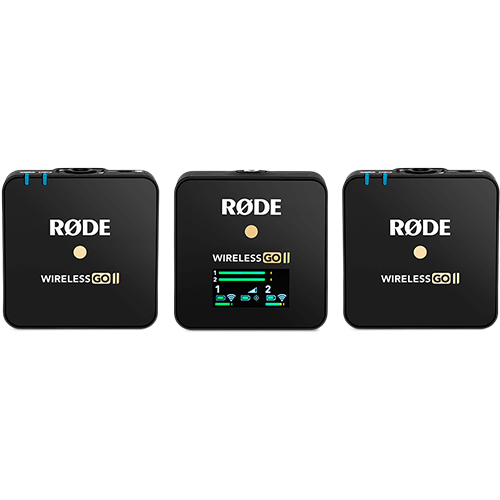
Use onboard recording as backup: Devices like Rode Wireless GO II and DJI Mic 2 record audio locally on the transmitter AND send it to the camera. If the wireless signal drops, the local recording has it. Sync the local file in post for best quality.
Timecode sync: Professional wireless systems and cameras support timecode. When both devices share the same timecode, syncing is instant and frame-accurate in any NLE.
Record a scratch track: Always record audio on the camera’s built-in mic as a reference, even if you are using an external recorder. The camera audio gives the software something to match against.
Always clap at the start of every take, even if you plan to use automatic sync. It costs one second and saves you minutes of troubleshooting when auto-sync fails — which it occasionally does with low-quality reference audio.
Gear that does this
Available in Egypt and suited to what this guide covers.