How to nail focus in portrait photography?
In portrait photography, the eyes must be in sharp focus — this is the number one rule. Modern cameras have AI-powered Eye AF that makes this easier than ever, but you still need to set it up correctly and understand when to override it.
Setting up Eye AF
Step 1 — Enable Eye AF. In your camera menu, find Face/Eye Detection and turn it on. On Canon: People priority. On Sony: Face/Eye AF. On Nikon: Auto-area AF with face/eye detection.
Step 2 — Set to Continuous AF (AF-C or Servo). This keeps the camera continuously tracking the eye as the subject moves, sways, or shifts slightly.
Step 3 — Choose the nearest eye. Most cameras let you select left or right eye. For most compositions, focus on the eye closest to the camera.
Step 4 — Half-press to confirm. Half-press the shutter and verify the green AF box is on the eye in your viewfinder before fully pressing.
When Eye AF struggles
Subject wearing glasses: Reflections on glasses can confuse Eye AF. Try adjusting the angle or use single-point AF manually placed on the eye.
Subject looking away: If the subject’s face is turned away, switch to face detection (not eye) or use single-point AF.
Multiple people in frame: The camera may lock onto the wrong person. Use subject selection (touch the screen to choose which person) or switch to single-point AF.
Very low light: Eye AF accuracy drops in darkness. Use an AF assist light, or switch to single-point AF with focus peaking.
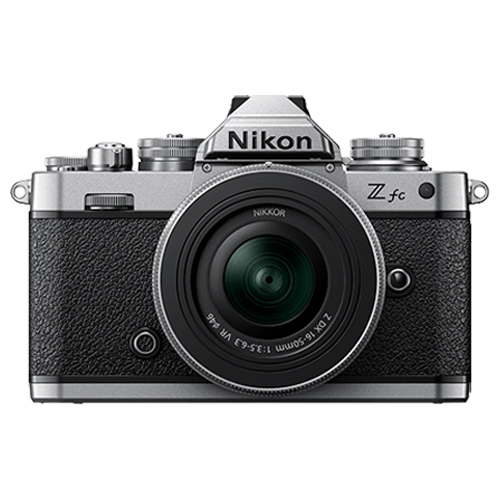
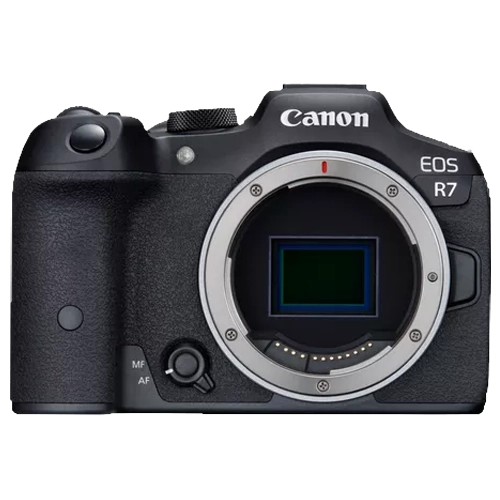
Best Eye AF cameras at Camera Shop Egypt
Focus tips for wide apertures
At f/1.4-f/1.8, depth of field is extremely thin — millimeters thin at close distances. If the subject moves even slightly after you focus, the eyes may drift out of focus.
Use continuous AF (AF-C) at all times with wide apertures. Single AF locks focus once and the subject can move out of the focus plane.
Take multiple shots. At f/1.4, even with excellent AF, take 3-5 frames of each pose to guarantee at least one is perfectly sharp on the eyes.
Check on the camera screen at 100% zoom. What looks sharp on the small viewfinder may be slightly off. Zoom in on the eyes to verify before moving to the next pose.
If your portraits are consistently soft at wide apertures, the issue is almost always subject movement between focus lock and shutter release — not a broken lens. Switch to continuous AF and take multiple frames.
Gear that does this
Available in Egypt and suited to what this guide covers.