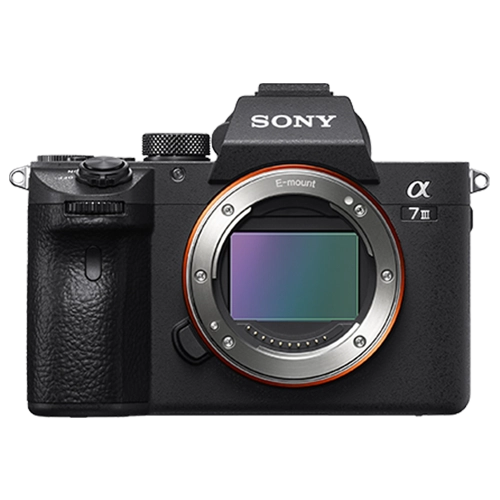
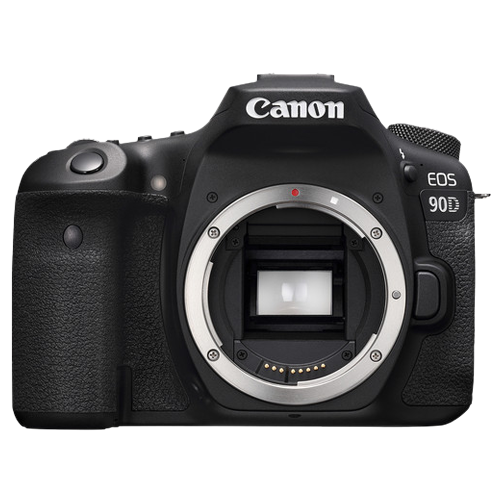
How to use picture profiles on a Sony or Canon camera?
Picture profiles control how your camera processes color, contrast, and saturation in photos and video. Choosing the right profile — from vivid for social media to flat/Log for color grading — dramatically changes the look and flexibility of your footage.
Sony picture profiles
Standard (PP1): Default look with moderate contrast and saturation. Good for everyday content with no editing planned.
S-Cinetone (PP11 on newer models): Sony’s cinematic profile with beautiful skin tones and natural contrast. Looks great straight from camera with minimal grading. The most popular profile for creators.
S-Log3 (PP8/PP9): Maximum dynamic range (15+ stops). Flat, desaturated footage that requires color grading. Must use 10-bit recording. For professional work only.
HLG (PP10): HDR-ready profile. Looks good on both HDR and SDR displays. Good balance between ready-to-use and gradeable.
Canon picture profiles
Standard: Canon’s default with warm, flattering skin tones. Good for JPEG and video with no editing.
Faithful: Accurate color reproduction matching what the eye sees. Less punchy but more truthful. Good for product photography.
Canon Log 3 (C-Log3): Wide dynamic range for professional color grading. Available on EOS R6 II, R5, and higher. Requires 10-bit recording.
Neutral: Reduced contrast and saturation. A middle ground between Standard and Log — easier to grade than Standard without being as flat as Log.
Cameras with advanced profiles at Camera Shop Egypt
How to choose the right profile
No editing planned → Standard or S-Cinetone. The footage looks good immediately. Upload straight to YouTube or Instagram.
Light editing → Neutral or HLG. More flexibility for basic color adjustments without the complexity of Log grading.
Professional color grading → S-Log3 or C-Log3. Maximum flexibility but requires 10-bit recording, proper exposure, and post-production skills.
Golden rule: Only shoot Log if you plan to grade. Ungraded Log footage looks terrible — flat, gray, and amateurish. Better to use S-Cinetone and skip grading than to shoot Log and not grade.
If you are new to video, start with S-Cinetone (Sony) or Standard (Canon). Both produce beautiful footage with minimal effort. Move to Log only after you are comfortable with basic color grading in DaVinci Resolve or Premiere Pro.
Gear that does this
Available in Egypt and suited to what this guide covers.